

The Evolution of Aura 360 and the Offline Desktop Revolution
If you have ever shot a 360° virtual tour for a client, you know the struggle.
You take a beautiful panoramic shot of a living room, but when you get back to your computer, you’re still faced with the "Big Three" problems:
-
The Tripod: There’s an ugly tripod leg sticking out at the bottom (the nadir).
-
The Lighting: The windows are blown out, or the interior corners are way too dark.
-
The Workflow: You have to open a heavy, expensive program like Photoshop just to fix a simple floor patch, or worse—upload massive 16K files to a slow, cloud-based editor.
As marketers, we need speed. We need tools that just work.
A while back, I introduced you to Aura 360. Since then, the landscape of virtual tours has shifted dramatically. High-end corporate clients and real estate agents now demand higher resolutions, flawless HDR brackets, and absolute privacy for unreleased properties.
To meet that demand, Aura 360 hasn't just been updated—it has completely evolved. What started as a mix of web tools is now the Aura 360 Desktop Suite: a powerhouse collection of fully offline, hardware-accelerated Windows apps designed for the modern virtual tour creator.
Here is a breakdown of the new offline ecosystem and why it matters for your marketing workflow:
1. Aura Studio Pro: The 3-in-1 Heavy Lifter
We took the most critical virtual tour tasks and combined them into one offline master dashboard. Aura Studio Pro is your utility knife for high-volume editing.
-
AuraFix: Instantly extract the floor to a flat plane, clone out the tripod seamlessly, and bake it back into the sphere without breaking the complex geometry.
-
AuraBrand: Instantly patch the nadir with your company logo. It hides the tripod and ensures that if your tour gets shared, your branding goes with it.
-
AuraHDR: Quickly merge bracketed exposures into a single, balanced 360 image.


2. Aura 360 Pro RAW: The HDR Fusion Engine And RAW Editor
If you are shooting high-contrast real estate, you are shooting bracketed exposures. Aura 360 Pro RAW is our new dedicated engine for this exact problem.
-
The Benefit: Drop in 2 to 7 RAW (DNG), TIFF, PNG, or JPG brackets. The hardware-accelerated WebGL engine flawlessly merges them into a single high-dynamic-range panorama. You can inspect the interactive 3D viewport, adjust exposure, highlights, shadows, contrast, saturation, vibrance and export lossless TIFF, PNG, or JPG in original resolution, 4K, 8K, 12K, or 16K. It even automatically injects the XMP/Exif spatial metadata so Facebook and virtual tour platforms recognize it instantly. You can also edit single DNG, TIFF, PNG, and JPG images.

3. Aura 360 Pro: The Digital Darkroom
Once your image is merged and patched, it’s time to make it pop. Aura 360 Pro handles all your stylistic offline color grading.
-
The Benefit: Apply selective HSL color grading, use Smart Masks to automatically separate sky and ground adjustments, and save your custom presets so you can grade an entire house tour in minutes.

Why Marketers Are Switching to Local Processing
The biggest advantage of the new Aura 360 ecosystem is frictionless, private editing.
Most 360 editors require monthly cloud subscriptions and force you to upload huge files to third-party servers. The Aura 360 suite processes everything locally on your PC's GPU. Your photos never leave your hard drive. It is faster, it is infinitely more secure for your clients, and there are zero upload bottlenecks.
Maximize Your Workflow
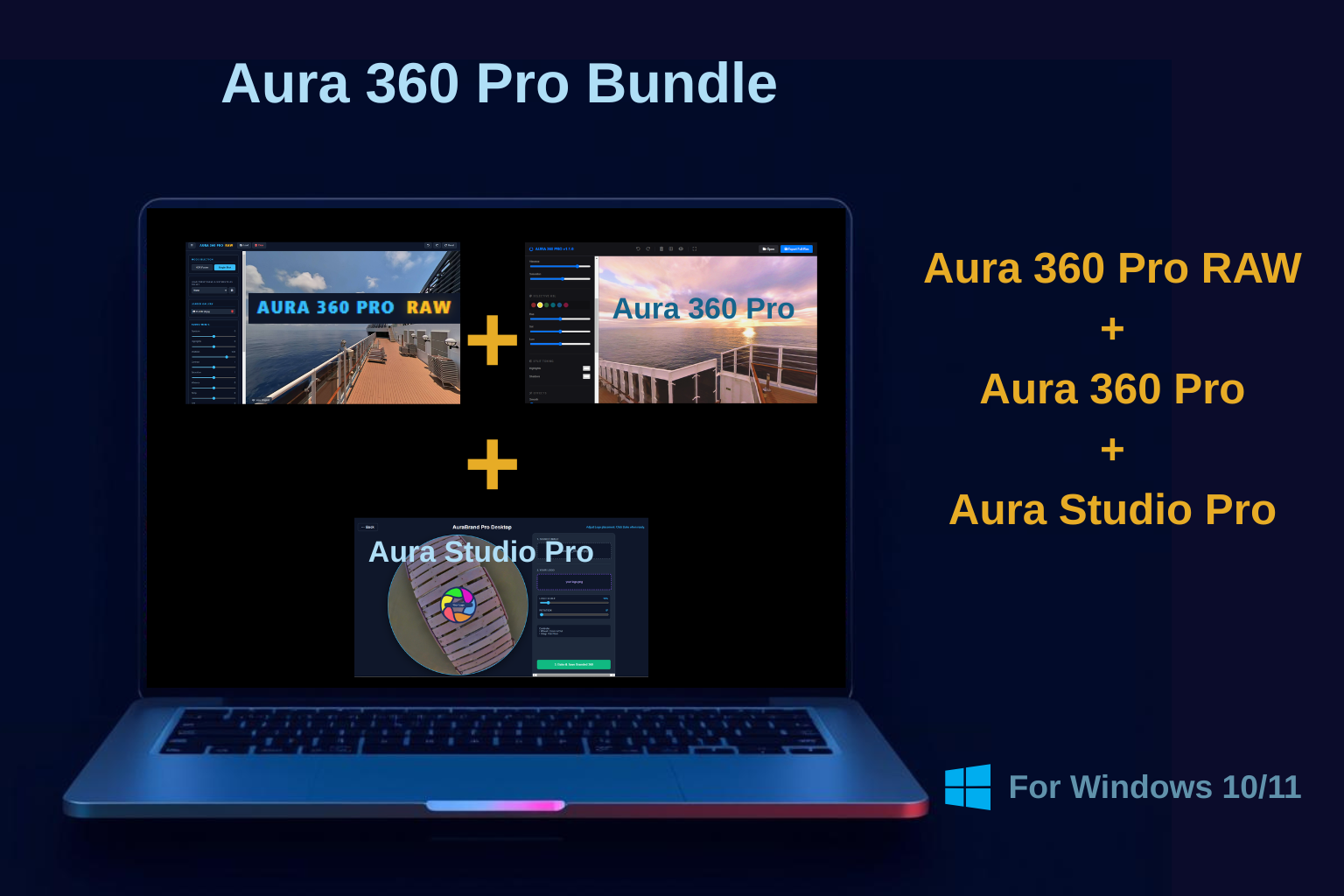
To give you the ultimate end-to-end toolkit, we recently launched the Aura 360 Pro Bundle. It pairs the raw merging power of Aura 360 Pro RAW with the stylistic grading of Aura 360 Pro, giving you everything you need from memory card to final export.
Try It Before You Buy It
Software should prove its worth on your machine. Fully functional demo versions of every desktop app in the suite are available to download right now.
Stop letting bad editing and slow cloud uploads kill your marketing momentum.
👉 Head over to aura360.online/demo-versions/ to grab the demos and upgrade your workflow today.

Also available in Microsoft Store
 Aura Studio Pro
Aura 360 Pro RAW
Aura 360 Pro